Tuesday, 7:50 AM, stuck in traffic
He's wedged in the right-hand lane when he remembers the supplier changed their prices. He can't open a laptop, can't type properly, and if he doesn't deal with it now it will be forgotten until Thursday. He taps the microphone, says two sentences to his phone, and sets it down.
By the time the light turns green, someone on the other end has already started working.
That's why the owners we work with manage their agent from a chat app rather than a new system. Small business owners don't sit at a screen all day, and they need a way to hand off a task in the minute they have. A Telegram bot gives them exactly that. In this article we explain why, where WhatsApp and a dashboard are the better choice, and what you need to lock down so that convenience doesn't turn into risk.
In short
- A Telegram bot for business is a conversation channel between the business owner and the agent. You write, record, photograph or attach a file, and it replies with a result or a question.
- Chat works because it's already in your pocket: no new app, no extra passwords, and approval buttons before any sensitive action.
- Telegram is especially friendly to bots: buttons inside the message, files, and free setup. WhatsApp is strong when your customers are already there. A dashboard suits viewing numbers, less so handing out tasks.
- Convenience has to come with a lock: an allowlist of users, approval before anything is published or spent, and a secret you never share.
Why is a Telegram bot for business better than yet another app?
Every new tool in a small business starts the same way: excitement in the first week, and half a year later nobody opens it. The reason is simple. A tool you have to remember to open, log in to and figure out competes for your attention with everything else.
Chat competes with nothing, because you're already there. Everyone knows the motion of "writing a message," and it works from your phone, your watch, your computer and your tablet.
The image we use: the agent is an excellent employee who sits in a separate office, and chat is its door. You don't call a system and you don't teach anyone an interface. You just open the door and say what you need.
In practice, our agents run on a separate cloud server, and the owner talks to them through Telegram. The actual work, such as connecting to the site and to other systems, happens on the server. Chat is only what you see.
What can you actually send to the bot?
What makes a Telegram bot convenient is how many kinds of content it accepts. According to Telegram's official documentation, users can send bots messages of any type: text, files, locations, voice messages and more. Here's what that means in a business.
Voice note
- Talk instead of typing, on the road, in the car or between customers
- The agent transcribes, summarizes and replies with what it understood
- Check names and numbers, since transcription can make mistakes
Photo
- Snap a product, a shelf, an invoice or a competitor's ad
- The agent reads what's in the photo and acts on your instruction
- No copying a single detail by hand
File
- A price list, a quote, a report or a spreadsheet
- Regular Telegram bots can download files up to 20MB and send up to 50MB
- Larger files need an advanced setup
Approval button
- Buttons appear beneath the agent's message
- Tapping a button doesn't send a new message to the chat
- Approve or decline with one tap
The buttons deserve a closer look, because they turn a conversation into a safe workflow. According to Telegram, tapping a button on the keyboard attached to a message doesn't send a message to the chat. It passes a callback to the bot. In plain terms: the agent asks "Publish?", shows three buttons, and you answer with a tap.
What it looks like in practice: four conversations in a small business
Pick a time and see what was sent to the agent and what came back. This is an illustration of possible conversations, not a record of a specific business. The names and numbers are made up, and so is the business.
07:50 · Stuck in traffic
🎙 Voice message · 0:19
Here's what I got from the recording: raise the price of the "Oren" series by NIS 40, effective today, in all sizes.
I found 7 products in the series. I prepared a list of changes and haven't changed anything on the site.
List ready · 7 products · waiting for your approval
12:20 · In the shop
📷 Photo of a new shelf · "Make an Instagram post for this, calm tone"
I can see three ceramic bowls and a wicker basket in the photo. I wrote two short versions, one focused on color and one on use at home.
Note: I don't see any prices in the photo, so I didn't write any.
Version A · Version B · waiting for approval before publishing
16:40 · File from the supplier
📎 supplier_price_list.pdf · "What changed compared to the last one?"
I compared it with last month's version:
- 12 items went up, between 3 and 9 percent
- 2 items were removed from the list
- 1 new item
Want me to prepare a table showing the new price next to the current one on the site?
21:15 · Before bed
A customer emailed asking whether delivery by Thursday is possible. I prepared a reply:
"Hello, yes, an order confirmed by noon tomorrow will arrive by Thursday. Happy to help, the team"
I won't send it until you approve.
✓ Send as is · ✎ Edit wording · ✕ Don't send
✓ Send as is
Sent. I recorded it in the action log: time, recipient and content.
An illustration. The business, products, numbers and customer are made up.
Notice the pattern that repeats in all four conversations. The agent says what it understood, shows what it prepared, and stops before the action that can't be undone. In the last one, it didn't send anything to the customer until you tapped. That isn't a technical detail. It is the core of the job.
And what does it look like when the agent asks for approval?
Every action that leaves the business, such as publishing, a message to a customer or a budget change, goes through the same short route:
A task route with approval
- You give a taskText, voice, photo or file
- The agent preparesA draft, a change list or a report
- You approveWith a tap on a button
- The agent acts and logsAnd sends you the result
We go deeper on this route, and on which actions need approval in the first place, in the article permissions, approvals and security.
Telegram, WhatsApp or a dashboard: an honest comparison
Here it's worth stopping to say something simple: no channel is perfect. The question is what you need from it. The table covers one use only: the business owner giving tasks to their own agent. Customers talking to the business is a different story, and we'll look at it separately.
| Telegram | Website dashboard | ||
|---|---|---|---|
| Convenience on a phone | High, needs installing if you don't have it yet | High, an app everyone knows | Depends on the design, needs a browser |
| Voice, photo and file | Yes, all message types | Yes, with size limits by type | Depends on what's built |
| Approval buttons | Buttons inside the message | Up to three reply buttons in an interactive message | Any design that's built |
| Setup for an internal bot | Free through BotFather | A business account and Meta platform approvals | Built from scratch |
| First messages from the agent | Only after you've opened a chat with it | A 24-hour window, then approved templates only | No such limit |
| Best for | Giving tasks and approvals | Conversations with customers | Numbers, reports and history |
A few notes on the table, since every row hides a detail.
Telegram. According to the official documentation, creating a bot starts with a chat with BotFather and the /newbot command, and at the end you receive an access token. There's no business approval and there are no templates. The bot can't start a conversation: a user has to open it, or add it to a group, first. For a conversation between a business owner and their own agent, that's exactly what you want.
WhatsApp. Meta's business platform is built for talking with customers. When someone writes to a business, a 24-hour "service window" opens. Inside it you can reply freely, and after it you may only send pre-approved templates. According to the official pricing page, regular messages inside the window are free, and templates are charged by category. The platform terms also include a clause that prohibits AI providers from using it when the AI is the main product. What that means for a business running its own customer-facing bot, we check in a separate article on a WhatsApp bot for business.
Dashboard. Excellent when you need to see numbers, charts and a history of actions. Less excellent when the owner is standing with a coffee in hand and wants to say "change the price." There, chat wins.
Where Telegram isn't the right fit
It's important to say this too, so you don't choose it just because we wrote about it.
- If your team doesn't use Telegram and has no plan to install it. There's no point forcing it. You can consider another channel, but first check that it supports approval buttons and control over who can talk to the agent.
- If you plan for the agent to talk directly to customers. Most customers are already on WhatsApp and won't install an app for a business. That's a separate case, and it needs a separate policy.
- If you're bringing in especially sensitive information. A conversation with a bot on Telegram is a regular cloud chat. End-to-end encryption (Secret Chats) on Telegram exists only in one-on-one chats between users. So don't send a bot passwords, credit card numbers or documents that must not pass through another company's servers.
Who can talk to the bot? The lock you must set up
Telegram's convenience is also a small risk: anyone can search for a bot by username and write to it. That's what the official documentation says: people find a bot through search or through a link. If your agent listens to everyone who writes, a stranger can try to give it instructions.
So our setup is clear: every message that reaches the bot has a sender with a unique user id, and the agent checks it against an allowlist defined in advance. A message from someone who isn't on the list doesn't reach the agent and gets nothing back from it.
Three layers of lock
Who talks
- An allowlist of users by id
- The business owner, and maybe one more person
- Strangers get no reply
What it's allowed to do
- Minimum permission in every system
- A dedicated user, not your password
- Publishing, spending and customer messages wait for approval
What never goes through chat
- Passwords and card details
- The bot's token
- Other customers' information
Three more points:
- The bot's token is like a password. Telegram's official documentation says to keep it somewhere safe and not share it, and you can revoke it at any time through BotFather. If you suspect it leaked, revoke it and issue a new one.
- When the bot works with a webhook, you can set a secret header. Telegram allows a secret of up to 256 characters that is sent with every request, so the server can verify the request really came from Telegram.
- Incoming content isn't an instruction. The contents of a file, an email or a website the agent reads can include text that tries to "give an order." We wrote about this in our article on prompt injection, which is why sensitive actions always need your approval.
Myths about managing an agent through chat
Myth"Chat isn't serious enough for running a business"
In practiceChat is only the interface. The work happens on the server, with permissions, approvals and an action log. The very same work could be run through a dashboard, and chat is simply faster to start with.
Myth"Anyone can message the bot and order things from it"
In practiceOnly if no allowlist was set. With an allowlist, a message from a user who isn't on it never reaches the agent.
Myth"If I record a voice note, the agent will do what it understood without checking"
In practiceSimple actions like preparing a draft can be done right away. Actions that affect customers or money wait for approval with a button.
Myth"If I don't use WhatsApp, I can't talk to the agent from my phone"
In practiceTelegram works just as comfortably on a phone, and it's available on a computer too. You don't install anything special beyond the app itself.
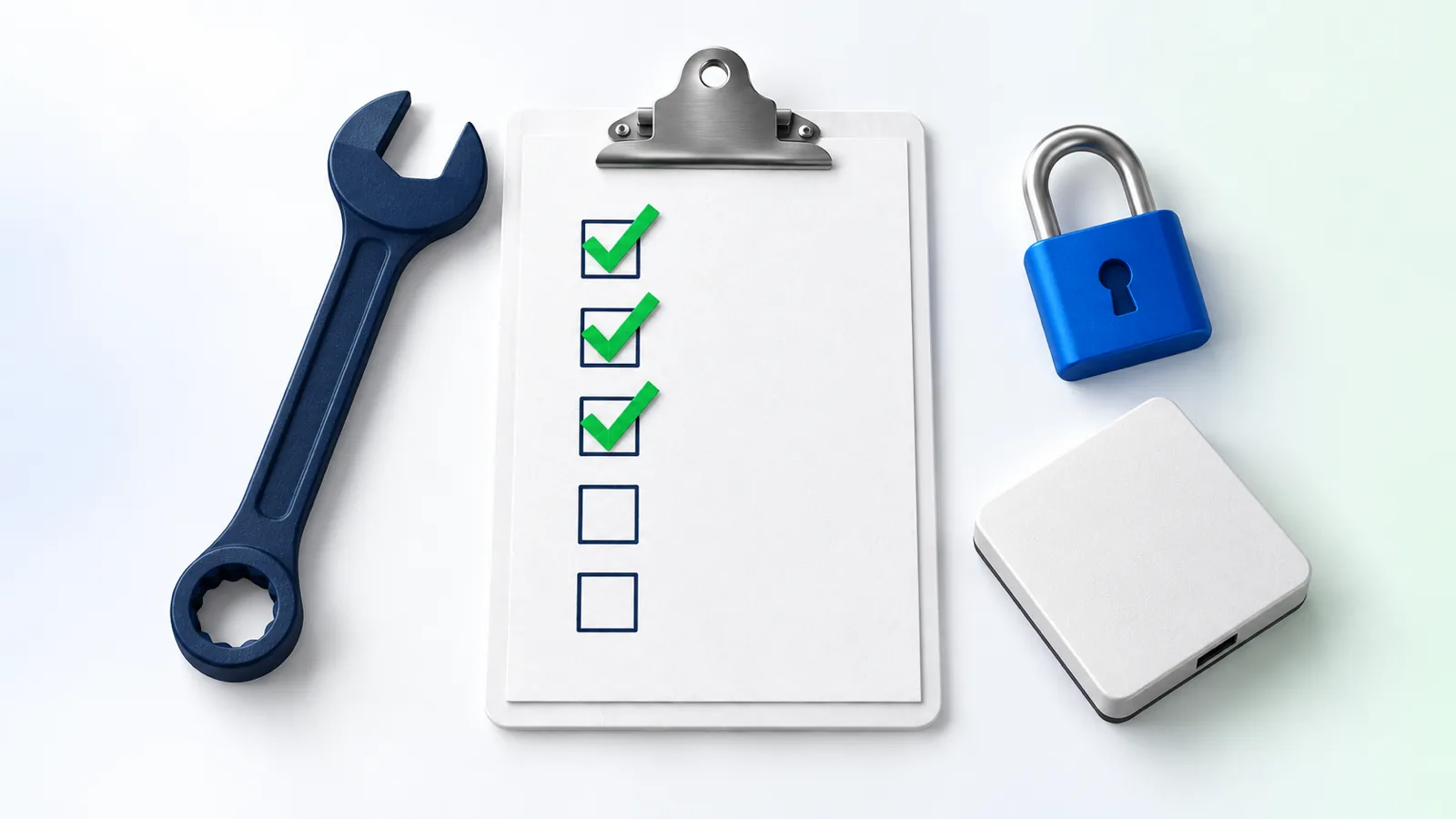
Checklist: what to check before connecting an agent to Telegram
If you're setting this up yourself or commissioning a setup, these are the questions to make sure you can answer in writing. Tick everything that's already clear to you.
Setup check for an agent on Telegram
And the business's side: what this asks of you
Without sugarcoating: managing an agent through chat works well when you're ready for two things.
- Phrase a task clearly. "Take care of it" doesn't work. "Raise the price by NIS 40, effective today, in the Oren series" works. After a week you feel the difference, and the agent learns your style.
- Set aside a few minutes a day for approvals. At first there will be more approvals, and later, once tasks are stable, you'll decide what can be released. The principle: never release approval on an action that can't be undone.
If you're at the stage where it's still unclear what an agent does in a business, the starting point is the guide to an AI agent for business. And if you plan to set one up yourself, building an AI agent step by step shows the right order. For the overall costs, including the server and subscriptions, read the article on the price of an AI agent.
Frequently asked questions
What is a Telegram bot for business?
A Telegram bot for business is an automated Telegram account connected to software or an AI agent. It lets the business owner give instructions in a conversation, receive results and approve actions with buttons. The bot is created through BotFather, and it can receive text, voice notes, photos and files.
Is an AI agent on Telegram the same as ChatGPT on Telegram?
Not necessarily. A bot that passes questions to a language model and returns answers is only a conversation channel. An AI agent is also connected to the business's systems, such as a website, a store or an ads account, and does work in them according to its permissions. Telegram is the door, and the agent is what stands behind it.
Can I send the agent a voice note?
Yes. Telegram lets you send voice messages to bots, and the agent can transcribe them and act on the content. It's a good idea to ask it to repeat what it understood before important actions, since transcription can get names and numbers wrong.
Can the agent write to me first?
Not before you've opened a chat with it. According to Telegram's documentation, a bot can't start a conversation with a user who hasn't contacted it. Once you've started a chat, the agent can send you summaries, alerts and approval requests.
Is it safe to run a business through a Telegram bot?
It's as safe as the setup is. You need an allowlist of users, a protected token, minimum permission in every system, and a button approval before sensitive actions. Conversations with bots on Telegram are regular cloud chats and aren't end-to-end encrypted, so don't send passwords or payment details in them.
What's the difference between Telegram and WhatsApp for managing an agent?
Telegram lets you set up a bot without business approval and without templates, and you can send any kind of message through it. WhatsApp is strong when you want to talk to customers who are already there, but it has a 24-hour window and approved templates, and its use is limited by Meta's platform terms. For a business owner managing an agent themselves, Telegram is usually simpler to set up.
Sources
- https://core.telegram.org/bots/features
- https://core.telegram.org/bots/api
- https://core.telegram.org/bots/faq
- https://core.telegram.org/bots
- https://core.telegram.org/bots/tutorial
- https://core.telegram.org/api/end-to-end
- https://developers.facebook.com/docs/whatsapp/cloud-api/guides/send-messages
- https://developers.facebook.com/docs/whatsapp/cloud-api/reference/media
- https://developers.facebook.com/docs/whatsapp/pricing
- https://www.facebook.com/legal/Meta-Terms-for-WhatsApp-Business-Platform